
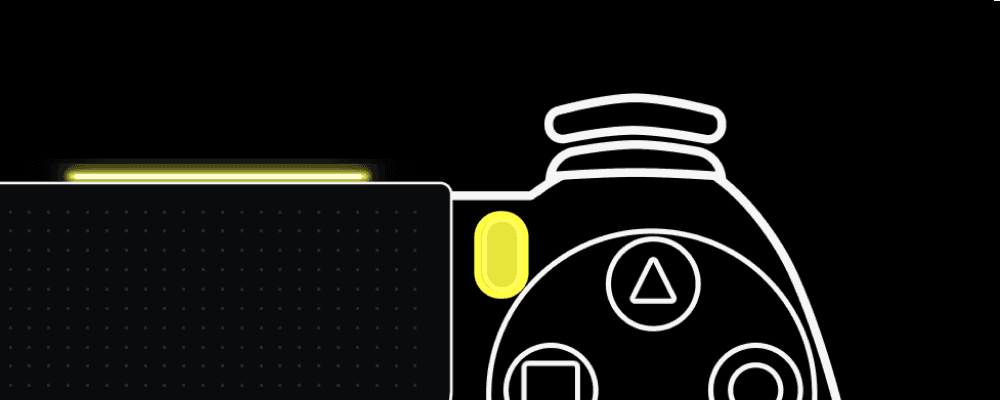
Your controls, color-coded.
PadMap color-matches your pad LEDs to their assigned controls, so you always know what each one does.
PadMap turns any gamepad controller into MIDI. Map it, layer it, light it up — then use it anywhere.
PadMap works with standard game controllers. Connect via USB or Bluetooth, and start mapping buttons, triggers and joysticks in seconds.
Tap a button or move a joystick and send MIDI CC and MIDI notes. You can edit what it sends and apply additional layers.
Add some depth to your mapping by playing multiple layers at the same time. Make a control a modifier and let it toggle between different mapping layers.
The small stuff that makes a controller feel like yours. Add color mapping and rumble on supported controllers.
PadMap color-matches your pad LEDs to their assigned controls, so you always know what each one does.
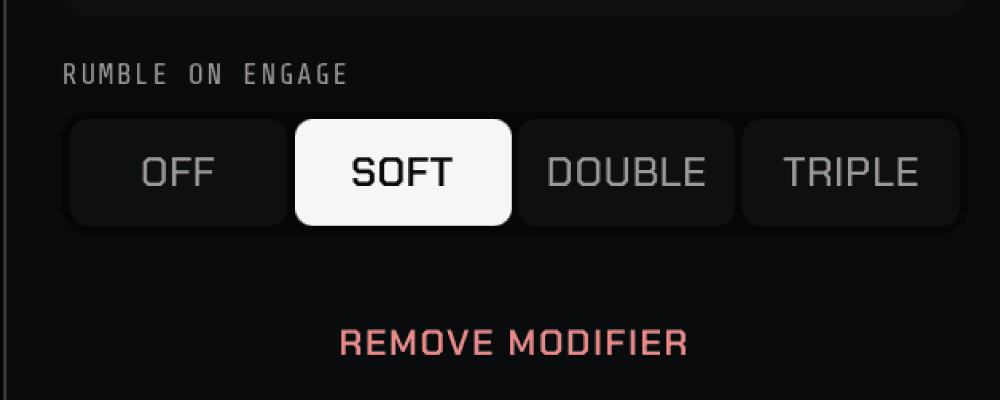
Subtle haptic feedback confirms every press, so you can keep playing without looking down.
PadMap speaks generic gamepad input — if your computer already recognises the pad as a controller, PadMap sees it too. RGB and rumble are the exception: those only work on controllers that expose them.
Unsure about yours? Mail hello@sinuslabs.io before you buy and we'll tell you straight.
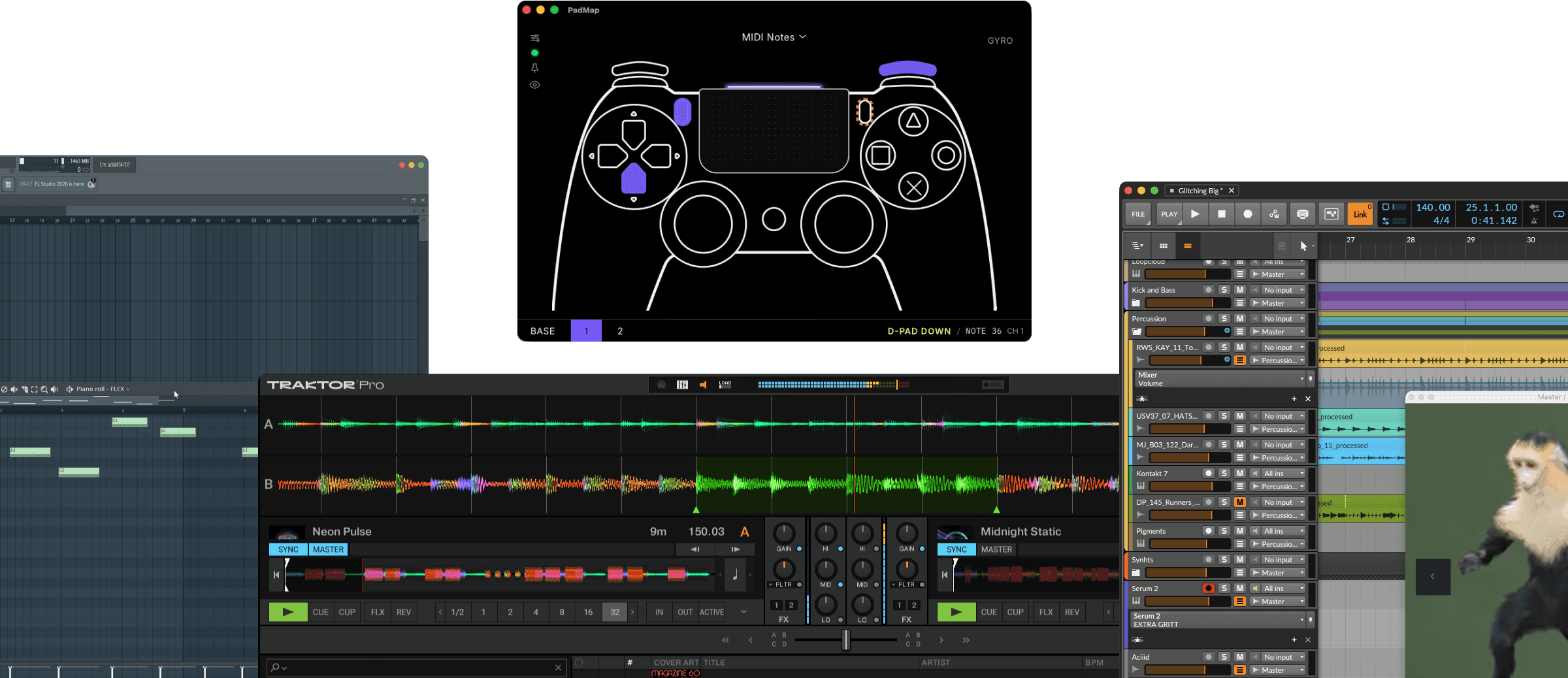
PadMap runs quietly in the background and sends clean MIDI to Ableton, FL Studio, Logic, Bitwig, Traktor — or literally anything that listens.
KO is a VST3/AU plugin delivering heavy saturation for drums and bass. Analog warmth and modern digital processing for a knockout sound.
Add warm, analog character to your drums, basses, and 808s. From subtle warmth to slamming saturation, this free plugin delivers.
An open-source VST3 / AU Reverb Plugin. Crystal clear Reverb Engine paired with 4 Effects and 2 Equalisers. Designed to be used and loved.